N O R F L O

How to Install Perfect Media on Your Android Device

Compatible Devices: Android TVs, Android Boxes, Mobiles & Tablets

  1. Download the Downloader App

    • Open the Google Play Store on your Android TV or Android Box.
    • Search for Downloader and install the app.
    • Open Downloader once installed.
    • If prompted to allow Downloader to install unknown apps, enable the permission and return to the installation.
    • If you see a Google Play Protect warning, select More details and then Install anyway if you trust the source.
  2. Enter the Downloader Code

    • On the Downloader home screen, click the # button.
    • Enter the following Downloader Code: 9157057
    • Select Load and wait for the download page to open.
  3. Install Perfect Media Tivimate

    • The Perfect Media Tivimate APK will begin downloading.
    • Once the download has finished, select Install.
    • If prompted to allow Downloader to install unknown apps, enable the permission and return to the installation.
    • If you see a Google Play Protect warning, select More details and then Install anyway if you trust the source.
  4. Open Perfect Media Tivimate

    • Once installation is complete, open Perfect Media Tivimate.
    • If prompted to allow the app to display over other apps, select Settings and enable the required permission.
  5. Add Your Playlist

    • Select Add Playlist.
    • Enter your playlist/login details when prompted.
    • The app will process your playlist and load your channels.
  6. Login Details

    • Select Server
    • Enter your Username and Password supplied with your subscription.
    • Leave Include TV channels and Include VOD enabled if you want both.
    • Select Next and allow the playlist to process.
You’re all set! ๐ŸŽ‰ Your Perfect Media Tivimate playlist should now be loaded and ready to use.

ย 

Android Devices

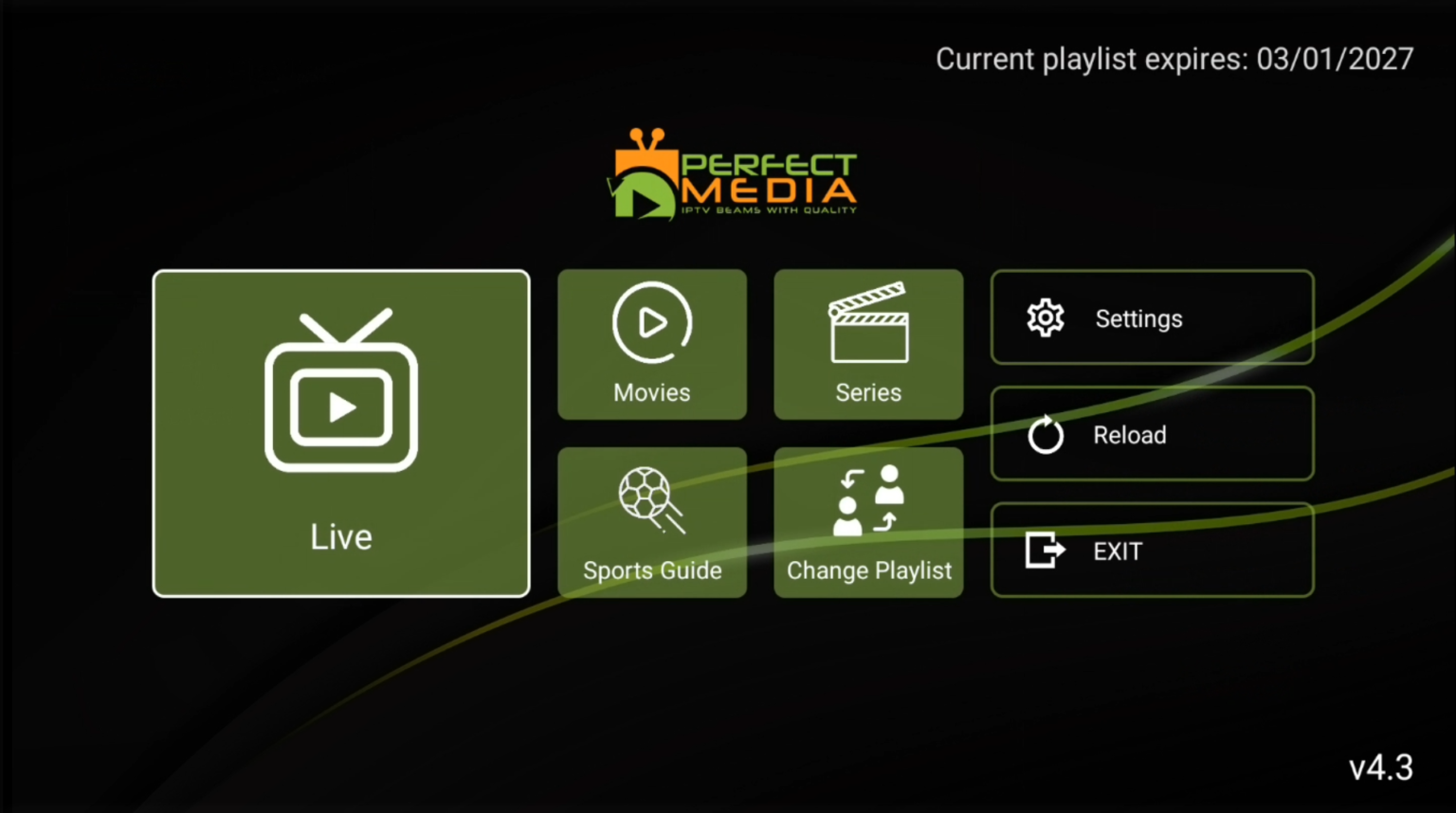
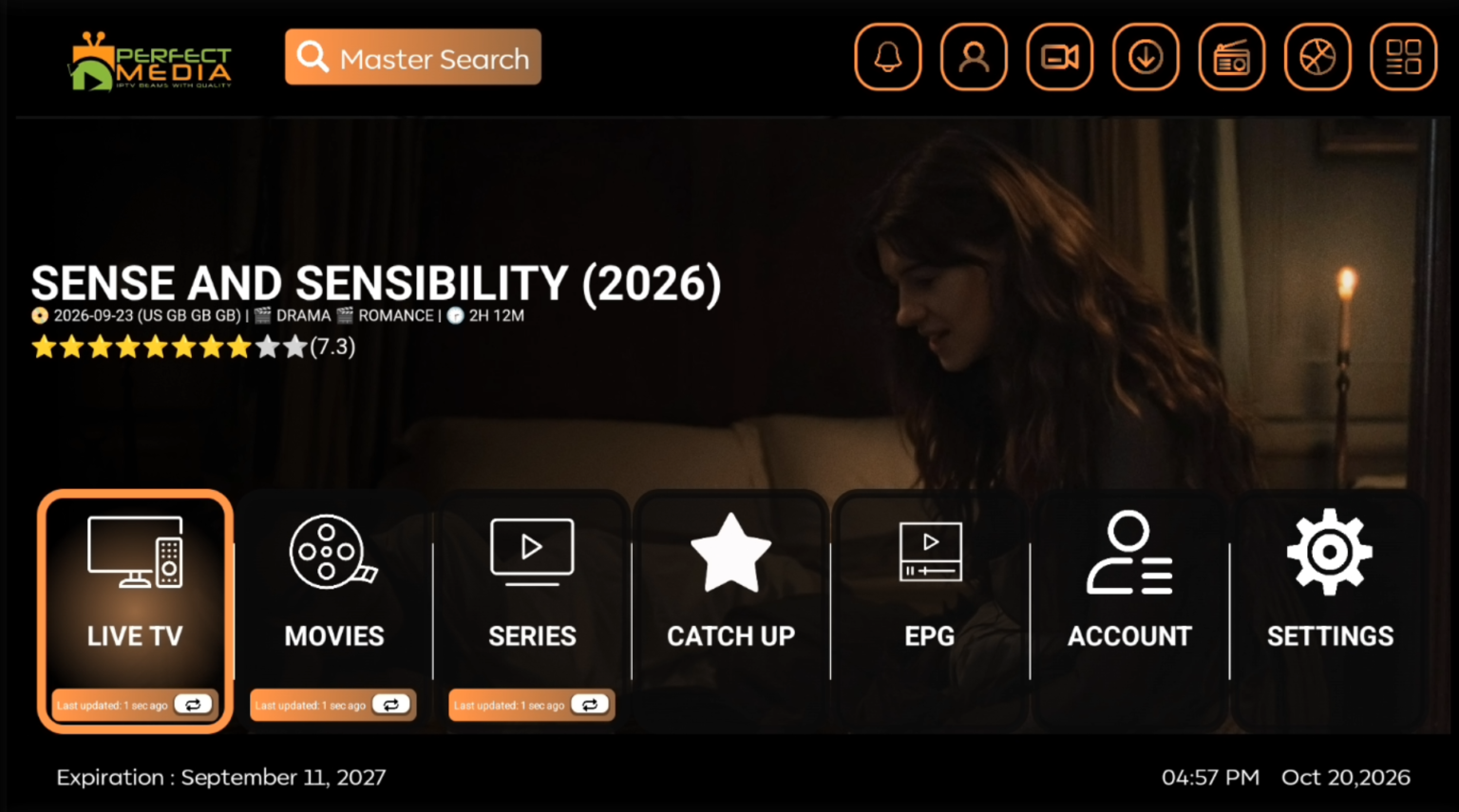
App Interface Preview

Android Devices

How to Install B1G on Your Android Device

Compatible Devices: Android TVs, Android Boxes, Mobiles & Tablets

  1. Download the App:

    • Open the Google Play Store and search for B1G Player to download.
    • Alternatively, download the app directly from this link: B1G Player APK.
    • If using the Downloader App, enter this Downloader Code: 6312882
  2. Login & Setup:

    • Launch the app and enter your Username and Password when prompted.

You’re all set! Enjoy seamless streaming with B1G Player. ๐Ÿš€

How to Install Sky Glass V3 on Your Android Device

  1. Open a Browser or Downloader App:

    • Use Google Chrome, Downloader, or any Internet Browser on your Android device.
  2. Download the App:

    • If using a browser, type the following URL exactly as shown:
      ๐Ÿ‘‰ https://bit.ly/Sky_Glass
    • If using the Downloader App, enter this Downloader Code: 6312882
    • Download and install the Sky Glass V3 APK file.
  3. Login & Setup:

    • Open the app and enter your Username and Password when prompted.

You’re all set! Enjoy streaming with Sky Glass V3. ๐ŸŽฌโœจ

Still need help? Our tech team is happy to assist! Contact us at Live Chat.

Translate ยป
error: Content is protected !!